Use a coffee scale without losing track of the weight
Understand grams, tare and total load while measuring coffee and brewing water.
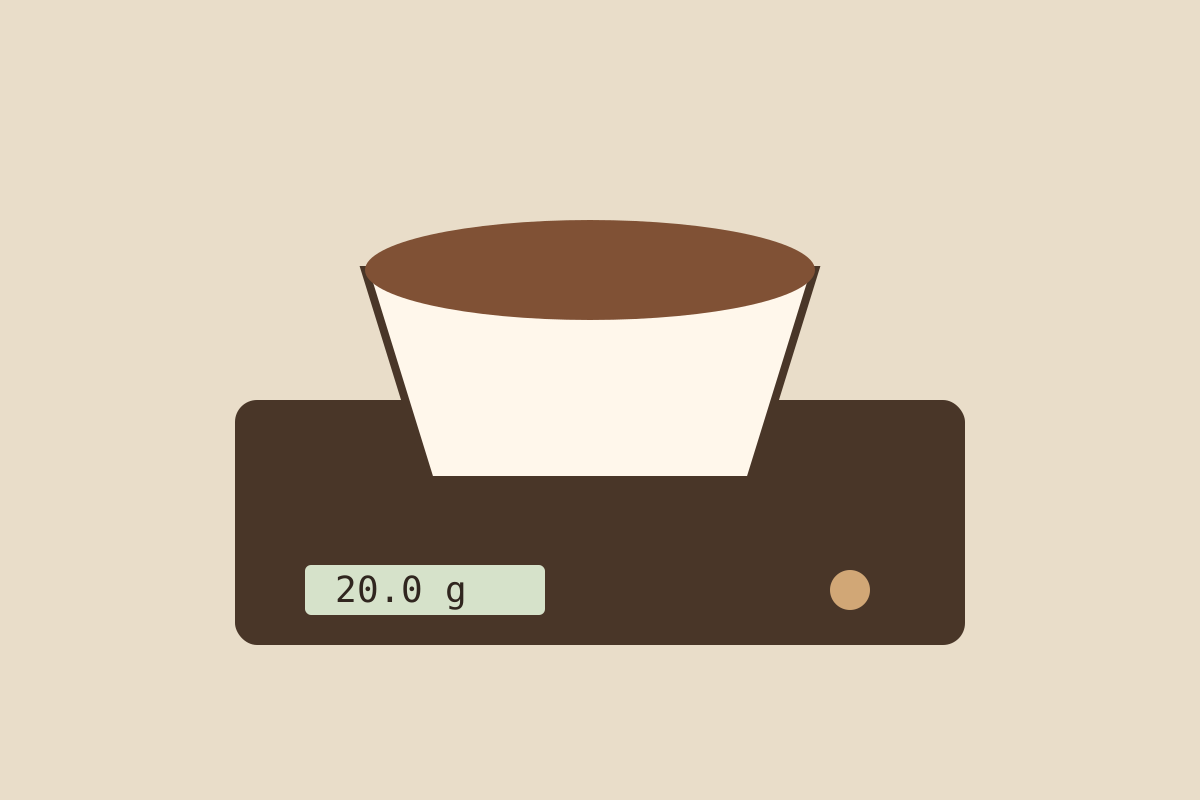
An empty bowl weighs 150 g. Add 20 g of coffee and a scale reads 170 g. If you tare the empty bowl first, the same added coffee reads 20 g. Tare changes the display’s reference point, not the physical weight on the scale.
Choose the unit and mode
A display in ounces will not match a recipe written in grams. Check the unit before measuring, particularly after changing batteries or switching modes.
Some scales have automatic timers or automatic tare. Acaia’s Original Pearl mode guide distinguishes weight only operation from other brewing modes. Your own scale may work differently. Use its manual to find a mode whose behaviour you understand.
Tare the container
Put the empty container on the scale and wait for the reading to settle. Press tare, check that the display returns to zero and add the coffee. If you remove the container afterwards, a negative reading can simply reflect the reference you set.
For water, place the brewing vessel in position before taring. Record the water you add rather than the vessel’s mass. If you tare halfway through a pour, note the earlier amount first or you will lose the displayed running total.
Stay within the total capacity
The vessel still loads the scale after taring. Acaia’s error guide includes overload and tare limit conditions. Check the capacity of your own scale with the full vessel in mind.
Keep the scale on a firm, level surface and protect it from spills according to its instructions. A stable reading is more useful than repeatedly chasing the last digit while the container is moving.